Afu
macOS
v0.4.0 · 6.0 MiBmacOS · Universal: Intel + Apple Silicon
Verify SHA-256 checksum
e6064eea26b6dd4be0851ad2fe1309ae084a3ffcc28aec84a571a5e9e425909fAfu
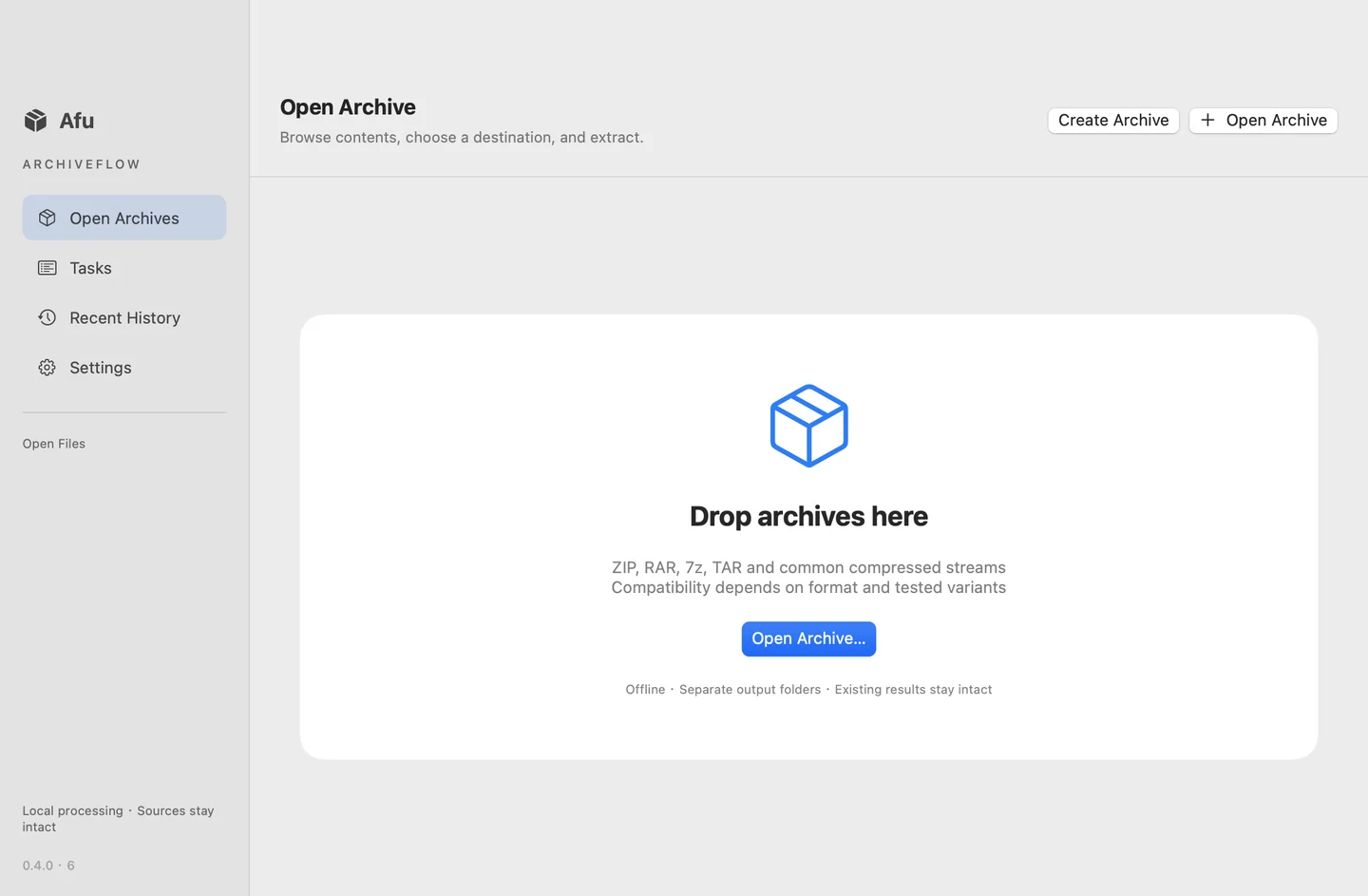
macOSCreate ZIP, 7z and TAR archives, encrypt ZIP/7z with AES-256, and extract selected files locally. Single-archive extraction is free; Pro adds batch extraction.
Main features
Pick your app. Check your platform.
These Mac builds are preview releases and are not notarized. ImageCommand and PDF Manager are Intel builds and require Rosetta on Apple Silicon. Installers and release manifests are hosted on our shared download site.
macOS · Universal: Intel + Apple Silicon
e6064eea26b6dd4be0851ad2fe1309ae084a3ffcc28aec84a571a5e9e425909fA LITTLE HELP
Download the DMG for your app, open the disk image and drag the app to Applications. Check the preview status and requirements above before installing. These builds are not notarized production releases.
Coniel, Tom Companion and Afu are universal builds for Intel and Apple Silicon. ImageCommand and PDF Manager currently provide Intel builds, which require Rosetta on Apple Silicon.
Free features, trial availability and paid licenses vary by product. Review the relevant product page or the app's license screen for current options before purchasing.
Yes. The current Mac apps support English and Chinese inside the app. Previously saved language preferences may be retained when upgrading.
This site hosts current installers and update manifests. In Afu, open Settings → Software Update to check and download a verified update. For other apps, use their update screen when available, or download the current installer here. Quit a Mac app before replacing it in Applications.
Our apps